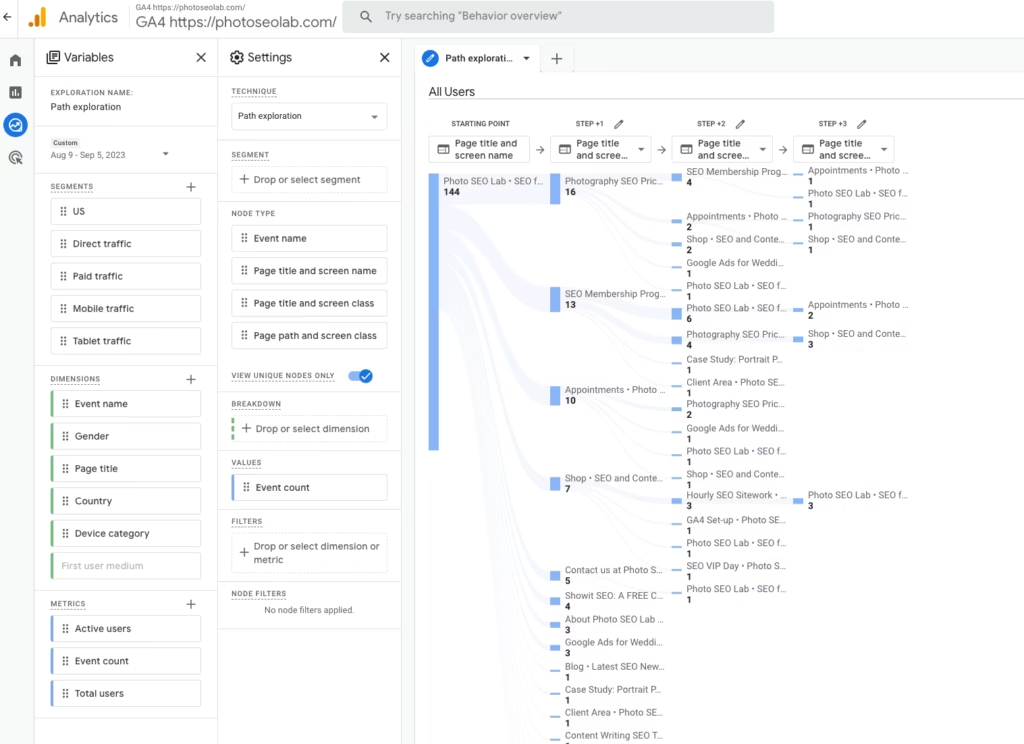
We’re going to be creating a report in the ‘explore‘ section that is going to show us how users navigate the site from the home page.
Step 1
Head to the ‘explore‘ section.
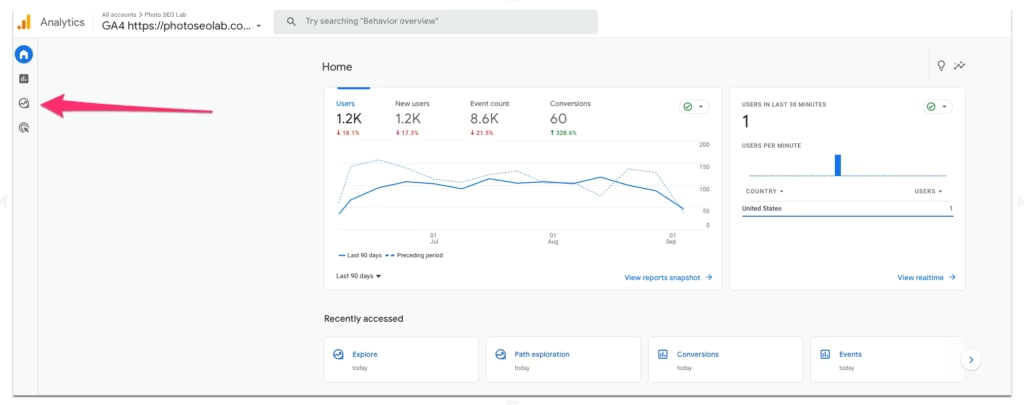
Step 2
Select the ‘path exploration‘ tile.
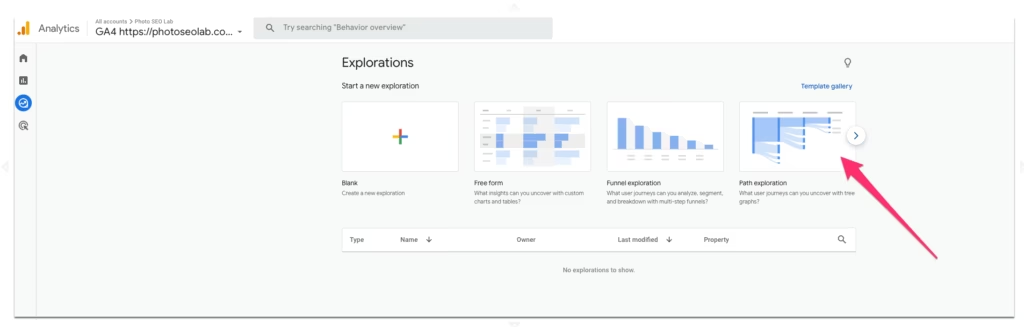
Step 3
Click ‘start over’.
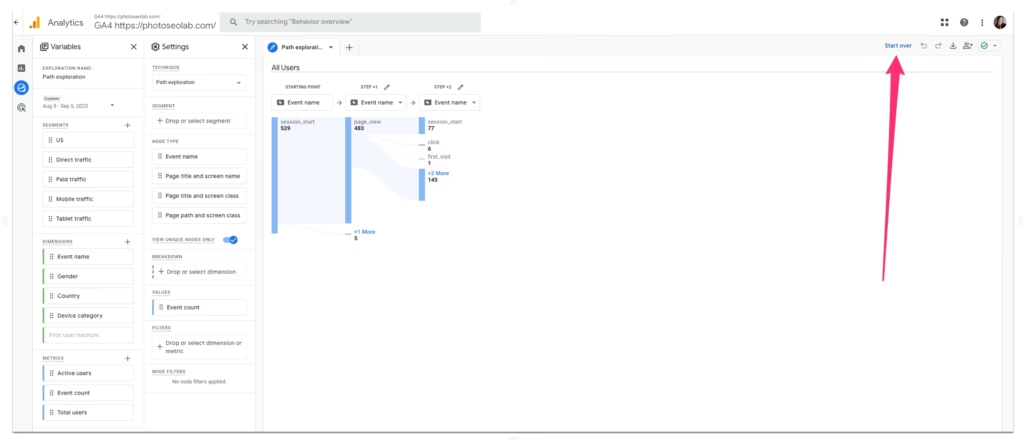
Step 4
Click ‘starting point’.
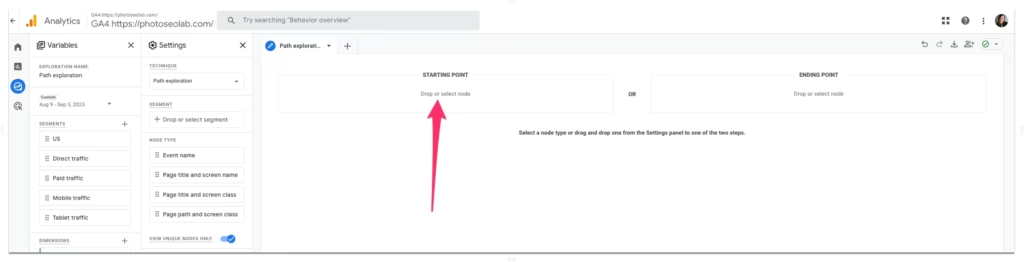
Step 5
We’re going to choose the 2nd option: ‘page title and screen name’
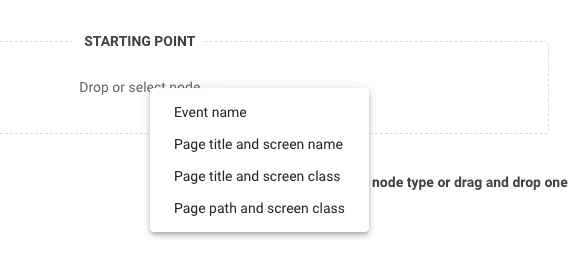
Step 6
In the drop-down list, find your home page.
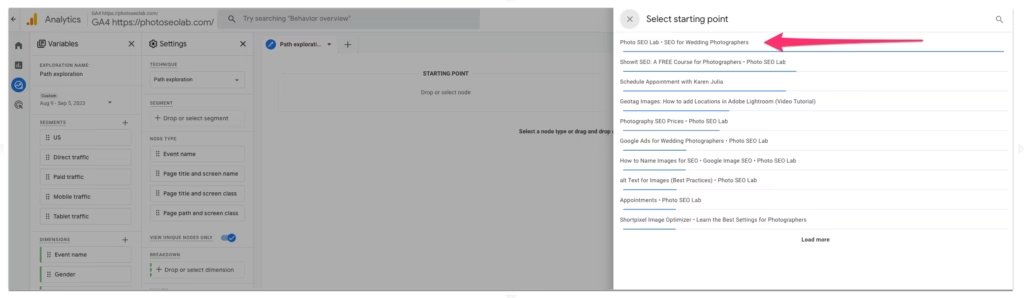
Step 7
A report will load with the 1st level of behaviour flow from the home page. Clicking on the blue lines shows any additional available data of that user journey. A grey line indicates the end of the data.
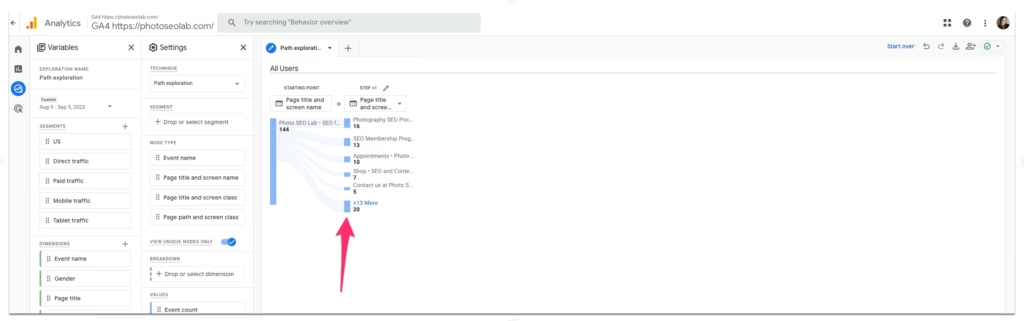
Step 8
Explore more of the user journey by clicking into deeper layers.