To set up Google Search Console, you need to verify to Google that you are the genuine site owner.
Google provides 7 different ways to do this:
- DNS record
- HTML file upload
- HTML tag
- Google Analytics tracking code
- Google Tag Manager container snippet
- Google Sites
- Blogger
My first choice is always via Google Analytics, so if you have not set that up yet, go do that first.
Done that?
Great!
You’re ready for the next lesson.
What if Analytics Verification Doesn’t Work?
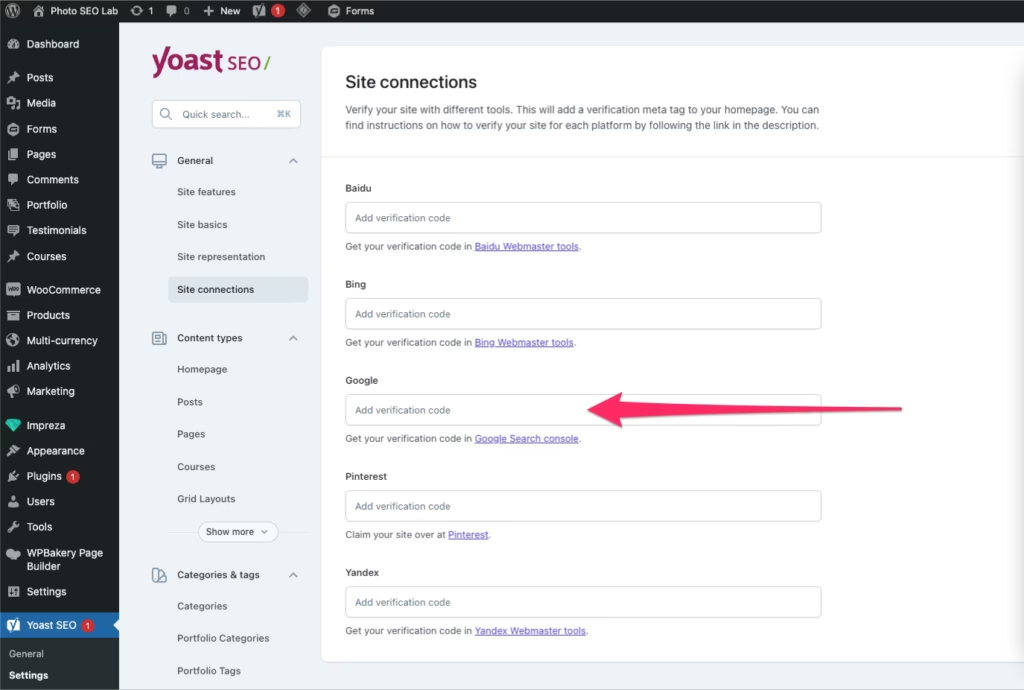
Plan B is choosing option 3 above and adding the HTML tag within the Yoast plugin (if you’re using WordPress)